Online, anyone can say they are anyone. A friendly photo and a nice bio take minutes to create, and that is why trust is the most valuable thing on any dating or friendship site. Profile verification is one of the simplest ways to build it. It gives you a quick signal that the person you are chatting with has been checked, and it lets you show that you are real too.
This guide explains what a verified badge means, why it matters, how verification generally works, and how to get yours on TuLink. It also covers what a badge cannot do, so you can use it wisely.
What a verified badge actually means
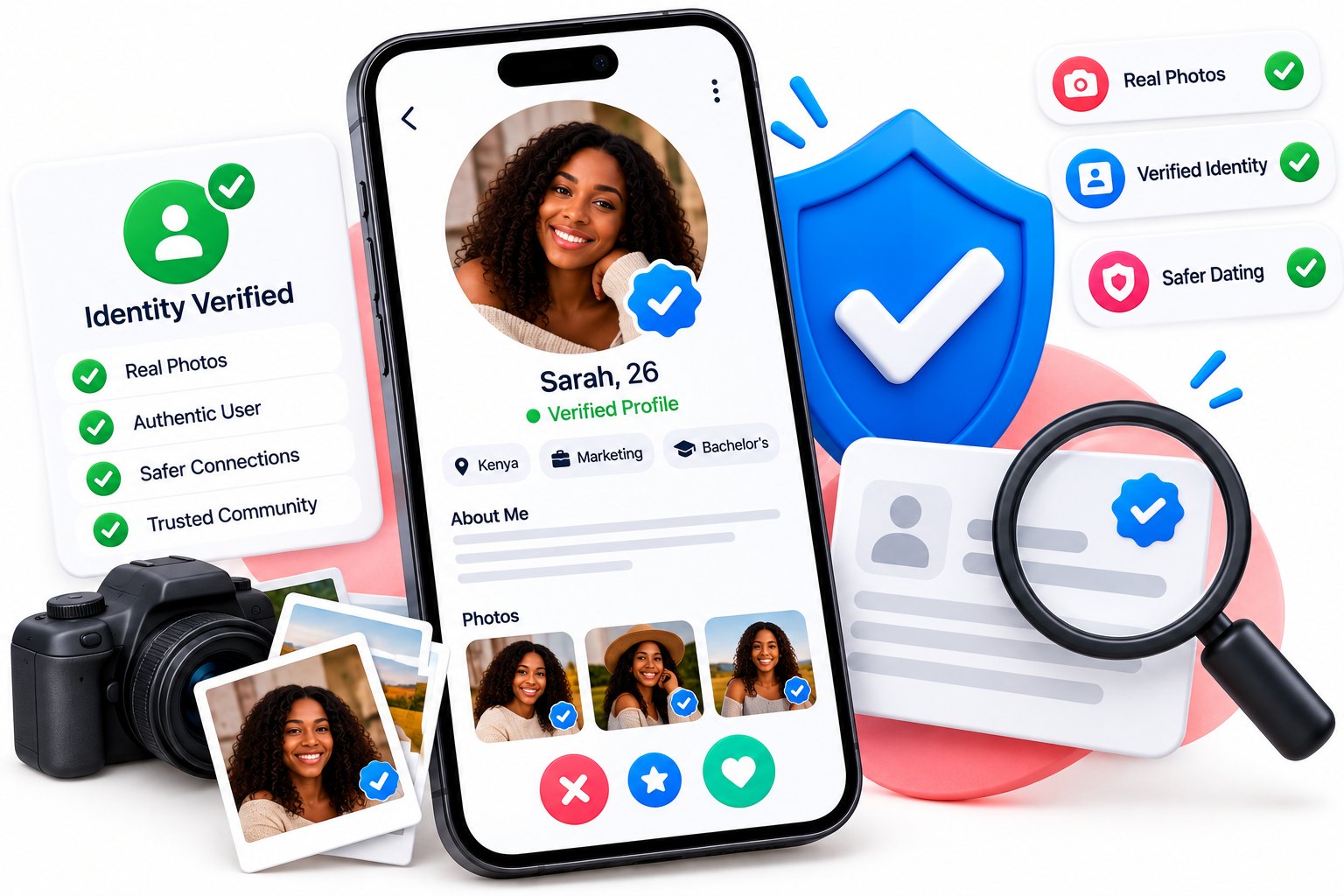
A verified badge is a small mark on a profile that shows the person has completed a check. In general, the check confirms that the face in the profile photos belongs to a real person who is taking part in the verification, not someone using pictures borrowed from the internet. Some checks also confirm basic details using an identity document.
Think of it like a name tag at a gathering. It does not tell you everything about someone, but it tells you that they stood in front of the organisers and were willing to be seen. That small step already sets them apart from profiles that have never been checked.
Why profile verification matters
There are three clear benefits, whether you are the one browsing or the one being browsed.
- It reduces fake profiles. People who want to deceive others rarely go through a check that requires their own face. A badge makes it harder for catfishers to blend in.
- It saves you time and worry. When you see a badge, you can relax a little and focus on whether you actually get along.
- It shows you are serious. Taking a few minutes to verify tells others you value honesty and are here for real connections, which can lead to more replies.
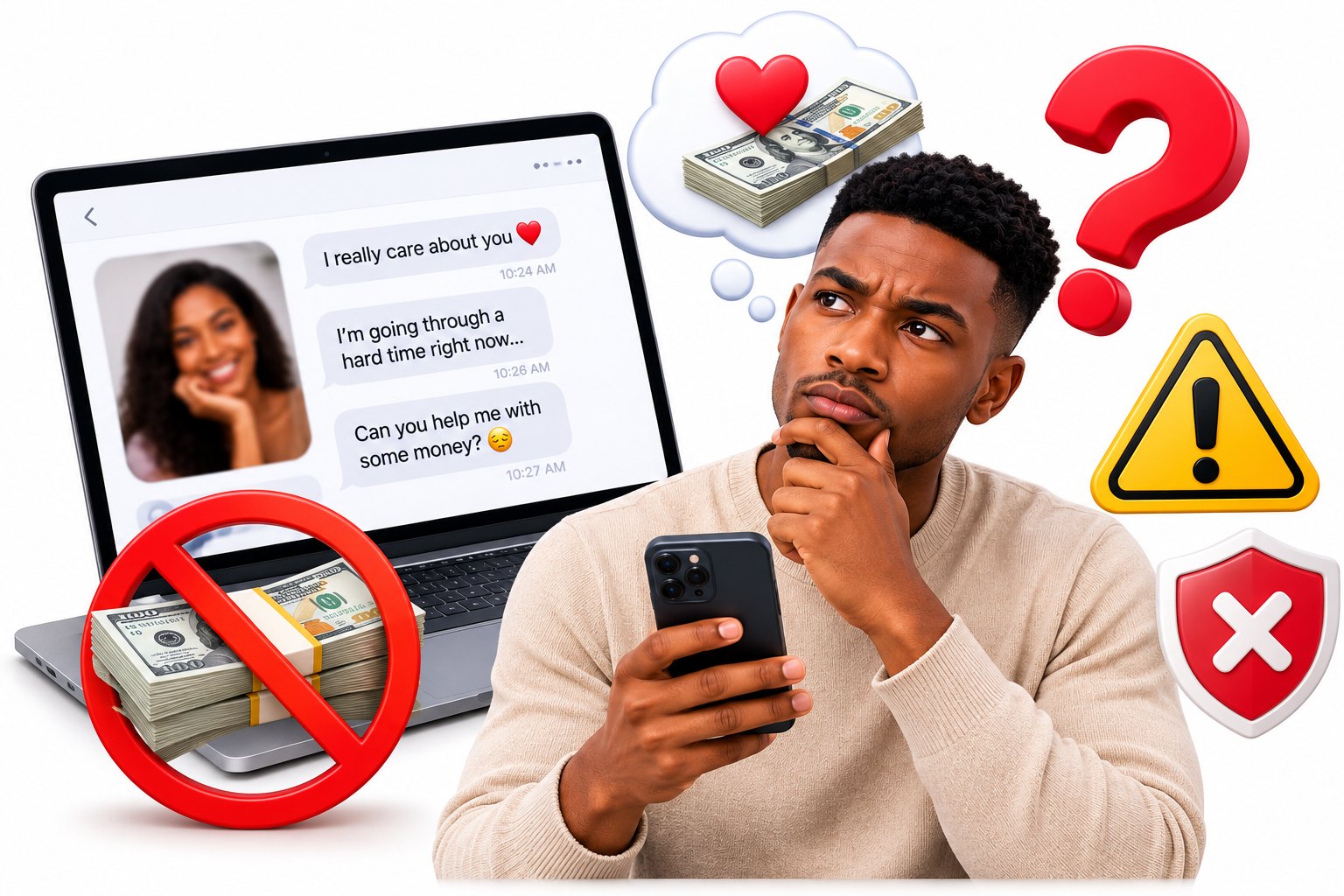
If you have ever worried about whether someone online is genuine, you are not alone. Our guide to spotting fake profiles and catfishing covers the warning signs, and a verified badge is one more helpful clue.
How verification works in general
Methods differ from site to site, but most follow a similar idea. Here are the common approaches:
- A selfie check. You take a fresh photo of yourself, sometimes copying a pose, so the team can compare it with your profile pictures.
- An ID check. You provide a photo of an identity document, and the team confirms that it matches the person on the profile.
- A team review. A real person looks at what you submitted, decides whether it matches and approves or asks you to try again.
Because a person reviews each submission, it can take a little time, so be patient. If you are asked to retry, it is usually because of poor lighting or a blurry image rather than anything wrong with you.
How to get verified on TuLink
On TuLink, verification is handled from your profile settings. The steps are straightforward:
- Log in and open your profile settings.
- Find the verification option and read the instructions shown.
- Submit what is asked for, such as a clear selfie or a document, following the on-screen guidance.
- Wait for the team to review it. Once it is approved, the verified badge appears on your profile.
To make approval easy, take your selfie in good natural light, face the camera, remove sunglasses and hats, and make sure your profile photos show you clearly. If your pictures are blurry or hide your face, it is harder to match them. Our guide to the best dating profile photos will help you choose pictures that work. Do not have a profile yet? You can create your free profile and begin from there.
Keeping your documents private
It is sensible to ask what happens to your selfie or ID. In general, a responsible site uses these only for the check, keeps them out of public view and limits who can see them. Your documents should never appear on your profile, and other members should never be able to open them.
The key safety rule is to submit documents only through the official verification steps inside the site or app. Never send a copy of your ID to another member, even if they say it is to "prove you are real". Anyone who asks for that is a warning sign. You can read more about guarding your details in our guide to protecting your privacy on dating apps, and you can see how TuLink handles data on the FAQ page.
Who benefits most from getting verified
Everyone gains something, but a few groups especially notice the difference.
- Newcomers. If you have just joined, a badge helps people trust you before you have a long chat history.
- Cautious members. Many people hold back from messaging until they see some sign of genuineness, and a badge gives them that.
- People who are looking for something serious. Verification signals that you take the process and the other person seriously.
- Members who want to meet people from other places. When you cannot easily check someone in person, a badge adds extra comfort, as our page for international members explains.
There is also a benefit for the community as a whole. Every verified member makes it a little harder for fake accounts to stand out, and a place with more honest profiles is a better place to make friends and find love.
What a badge cannot promise
A badge is helpful, but it is not a guarantee of character. It shows that a check was passed, not that someone will always be honest, kind or available. People can pass a check and still behave badly later, and a person without a badge is not automatically untrustworthy, since they may simply not have done it yet.
So keep your usual habits. Meet in a public place, tell a friend where you are going, do not send money and take your time before sharing personal details. Our safety tips and the guide to meeting someone safely are worth a read before any first meeting.
Using verification to your advantage
Verification works best as one layer in a set of habits. Chat for a while on the platform, ask questions that only a real person could answer comfortably and notice whether their words match their photos.
If you are verified, mention it lightly, or simply let the badge speak for itself. If you are looking at someone else's profile, treat a badge as a reason to feel a bit more at ease, not as a reason to skip your own checks. If someone refuses a video call or avoids any proof that they are real, that tells you something as well. Our guide on how to verify someone is real before meeting has practical steps you can use.
Trust builds one small step at a time. A clear photo, an honest bio and a verified badge together make a profile that people feel good about messaging. When you are ready, browse people near you and see who is looking for the same thing you are.