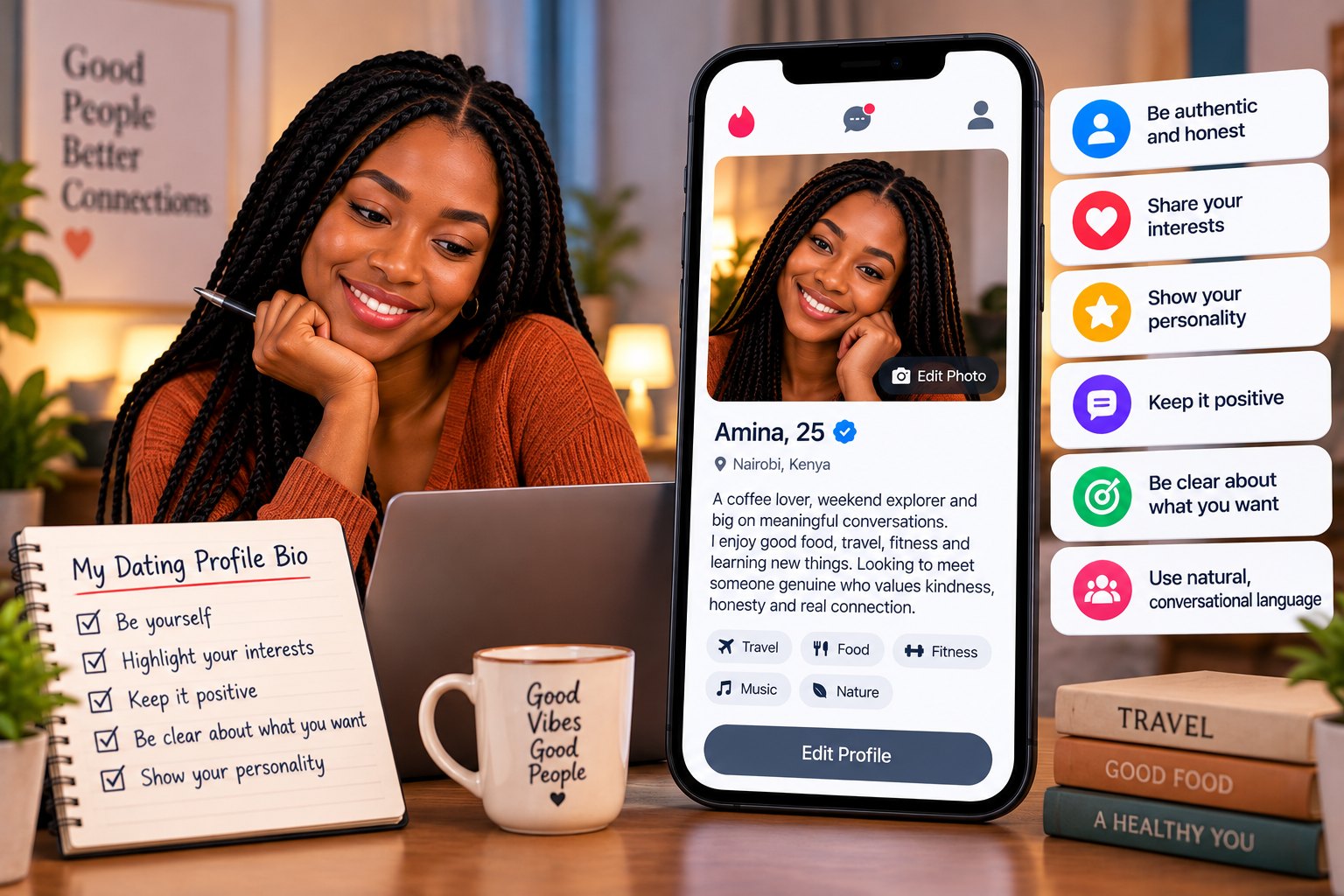

People decide quickly whether to read your bio, and the deciding factor is almost always your pictures. If you want to find the best dating profile photos from the pictures already on your phone, you do not need a photographer or a new wardrobe. You need good light, a genuine smile and a bit of honesty about what you actually look like.
This guide walks through which photos to pick, how to take better ones, what to do about group shots, and the common mistakes that make people swipe past. It applies whether you are hoping to meet a partner or make new friends.
Why your first photo does so much work
Your main picture is your first impression. It shows up before your name, before your bio and before anyone knows you have a great sense of humour. A clear, friendly face tells people they are looking at a real person, and that helps them feel comfortable sending a message.
Honesty is the bigger goal. Your photos should make a stranger feel, when they meet you, that you look like your profile. Nothing damages trust faster than arriving at a first meeting and seeing someone who looks very different from the pictures. The best photos are flattering and truthful at the same time.
Choosing the best dating profile photos
Aim for a small set that each shows something different. A good mix looks like this:
- A clear headshot. Just you, face visible, recent and well lit. This is your main picture.
- A full-length photo. Standing or walking, so people can see your overall look and style.
- A hobby or activity shot. You cooking, hiking, playing football, at a market or at a concert. This gives people something to ask about.
- A social photo. One picture with friends or family, where you are easy to pick out.
- A relaxed candid. A natural moment where you are laughing or looking away from the camera.
You do not need all five. Three honest pictures beat six blurry ones. Pick the photos where you feel like yourself, not the ones where you are trying to look like someone else.
Lighting that makes you look your best
Light matters more than the camera. A cheap phone in good light beats an expensive one in a dark room. These simple habits help:
- Face a window or step outside in the morning or late afternoon, when the sun is soft.
- Avoid harsh midday sun straight overhead, which creates shadows under your eyes. A shaded spot works well.
- Do not stand with a bright window or the sun behind you, or your face will turn dark.
- Skip the camera flash at night, which flattens your face. Move near a lamp or a lit doorway instead.
- Wipe your phone lens. A smudge makes every picture look hazy.
Ask a friend to take a few shots, or lean your phone on something steady and use the timer. Take plenty of pictures and choose the best one, because the first few are usually the stiffest.
Smiling naturally in photos
A real smile makes you look approachable and kind. A forced one makes people wonder if you are comfortable. If smiling on cue feels awkward, try thinking of something that makes you laugh, or have a friend say something funny right before the shot. Relaxed shoulders and a slight tilt of the head also help.
You do not need a wide grin in every picture. A calm, friendly expression in some photos and a laughing one in others shows range. Look straight at the camera in at least one so people can see your eyes.
Group photos and photos with other people
A group photo can show that you have a lively social life, but it comes with risks. If people cannot tell which one is you, they will move on. Use only one, never as your first picture, and make sure you are easy to find. If you are the one in the middle or in a bright colour, even better.
Respect other people's privacy too. Ask friends before using a photo they are in, and avoid pictures that show children. Do not use photos with an ex, even if you cropped them out, because it often shows. Pictures of your car, house or valuables are better left off, as they say little about you and can attract the wrong attention.
Photos to leave out
Some pictures quietly work against you. Try to avoid:
- Sunglasses or hats that hide your face in every photo.
- Heavy filters, face-smoothing apps or pictures many years old.
- Blurry, dark or very distant shots.
- Mirror selfies in untidy bathrooms.
- Photos that show your location, such as your home gate, workplace badge or number plate.
- Pictures of celebrities, cartoons or images that are not you.
- Anything revealing or suggestive, which is against the community rules and attracts the wrong kind of attention.
Pictures taken from other people's profiles or the internet are not allowed and are a hallmark of fake accounts. If you want to understand how people spot those, read our guide on how to spot fake profiles and catfishing.
Photos for dating and photos for friendship
What you pick can shift a little depending on what you want from the site. If you are hoping to meet a partner, include at least one picture that shows you dressed up a bit, such as at a wedding, a church service or a dinner, and one in everyday clothes. If you are looking for friends, activity shots matter even more: the five-a-side pitch, the hiking trail, the book club or the market on a Saturday morning.
Either way, the aim is the same. A stranger should be able to look at your pictures and picture a pleasant afternoon with you. Ask yourself what story the set tells. If every photo is at a club, people may assume that is all you do. If every photo is a formal studio portrait, you may seem distant. A little variety makes you feel like a full, real person.
It also helps to think about the background. A tidy, simple setting such as a garden, a street with murals, a cafe or a view of the city keeps attention on your face. Clutter, other people half in the frame and distracting signs draw the eye away from you.
How TuLink handles photos
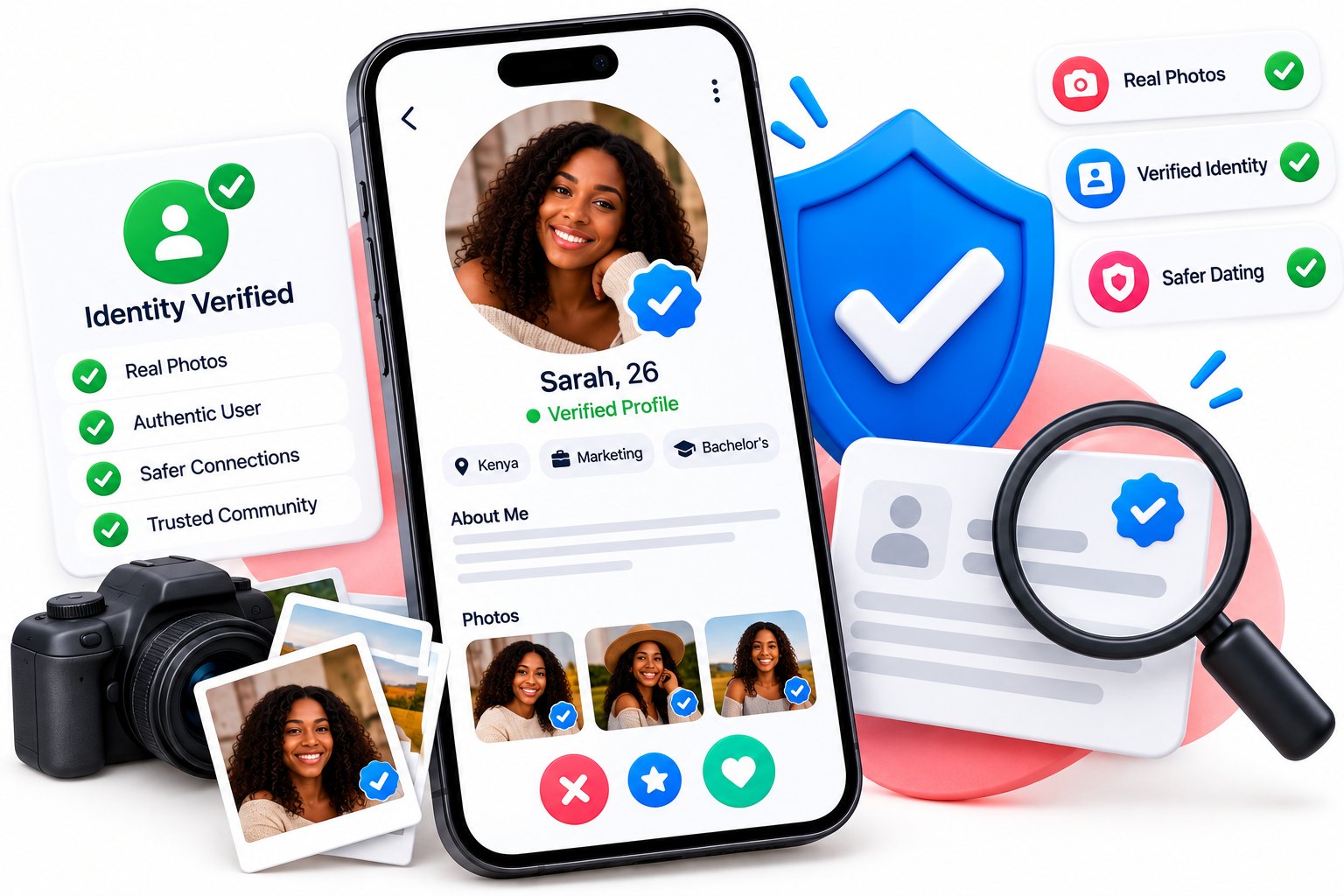
To help keep the community respectful and genuine, TuLink reviews profile photos and has limits on how many you can add. That means it pays to choose your strongest pictures rather than uploading everything. Members can also earn a verified badge, which shows that the person behind the profile has been checked by the team. You can read more about why that matters in our piece on why profile verification matters.
If one of your photos is not approved, do not take it personally. Replace it with a clearer, more suitable picture and try again.
Put it together and keep it fresh
Once you have your set, check them together. Do they all look like the same person on the same year? Do they show a bit of your life? Is there at least one clear face shot? Show them to a trusted friend and ask for an honest opinion.
Update your photos every few months or when your look changes, such as a new haircut or beard. Pair them with a warm, specific bio, and our guide on how to write a dating profile bio will help with that. Then browse people near you and see how your profile compares, or create your free profile if you have not yet.